
Subtractive trail removal
Erase satellite trails.
Keep every star.
One plane or Starlink streak can ruin a frame. Stupid Satellites finds the trail, models its light, and subtracts it — so the stars sitting right on top of the trail stay exactly where they were. Nothing is painted in. Nothing is invented. Nothing is AI.
Free at launch · works as a Lightroom “Edit In” editor · your photos never leave your computer.
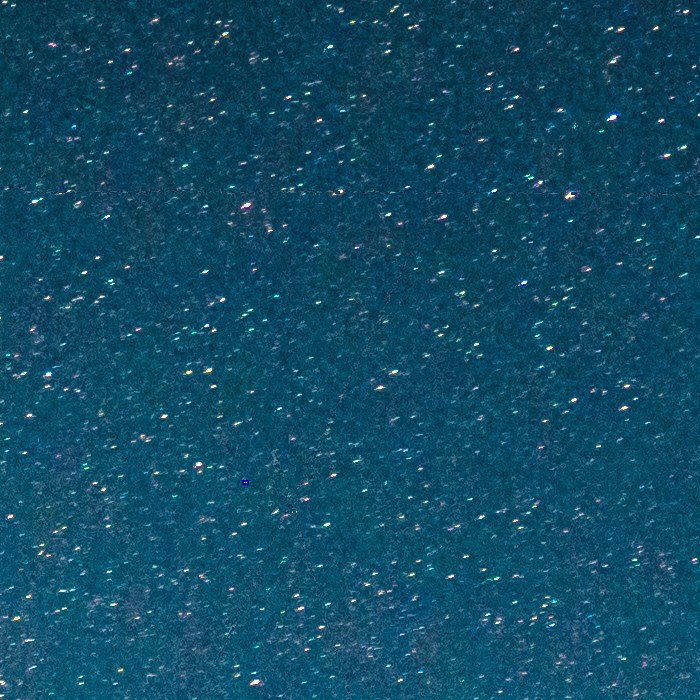
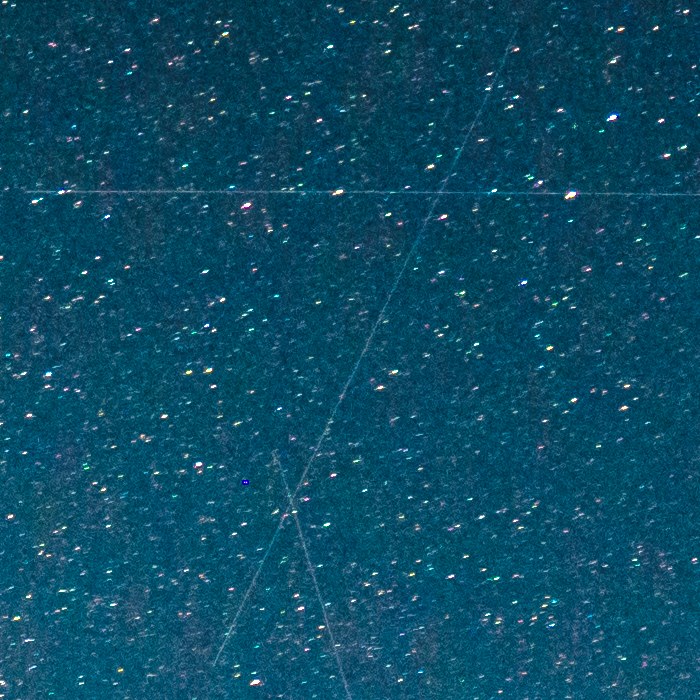
Real frame at 1:1 — three trails removed, the starfield untouched. Drag to compare.
Watch it work
Satellites and planes are different beasts.
It removes both.
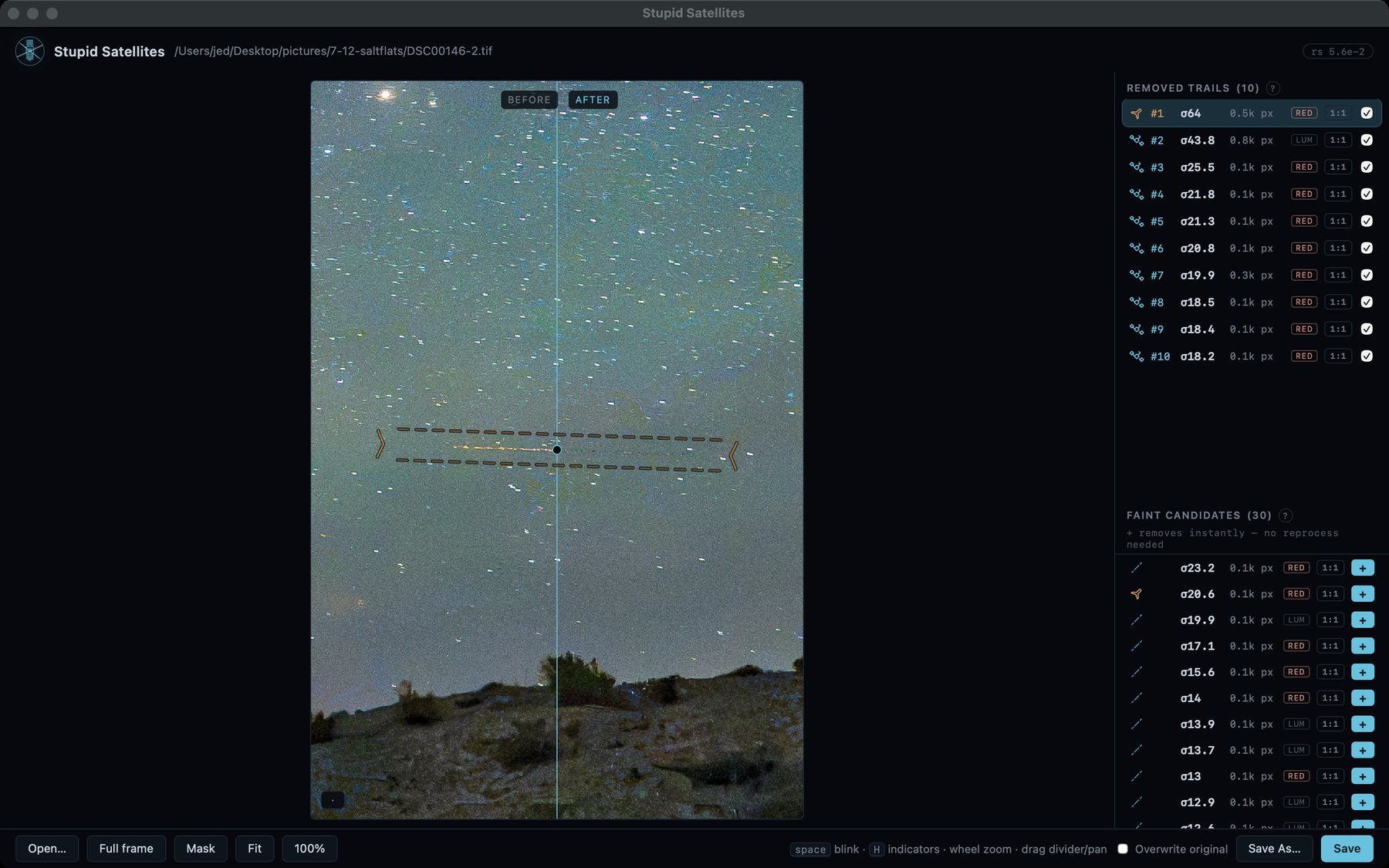
A satellite writes one continuous streak. A plane writes a streak plus a row of blinking navigation strobes — compact flashes that look exactly like stars to most tools. The engine proves the flashes sit on a precise timing lattice (electronics blink on a clock; stars don't), so the lamps are removed and your stars are left alone. Below: the actual detector's measurements on one real frame, replayed.
Live replay of measured telemetry — trail endpoints, σ scores, and all 14 strobe flashes come from running the real pipeline on this frame.
The whole frame
Stacking can't save a single exposure. This can.
Rejection during stacking needs many frames. When you have one keeper with a trail through it, your options are clone-and-pray or throw it out. Subtraction gives you a third: remove the streak, keep the shot.
The editor
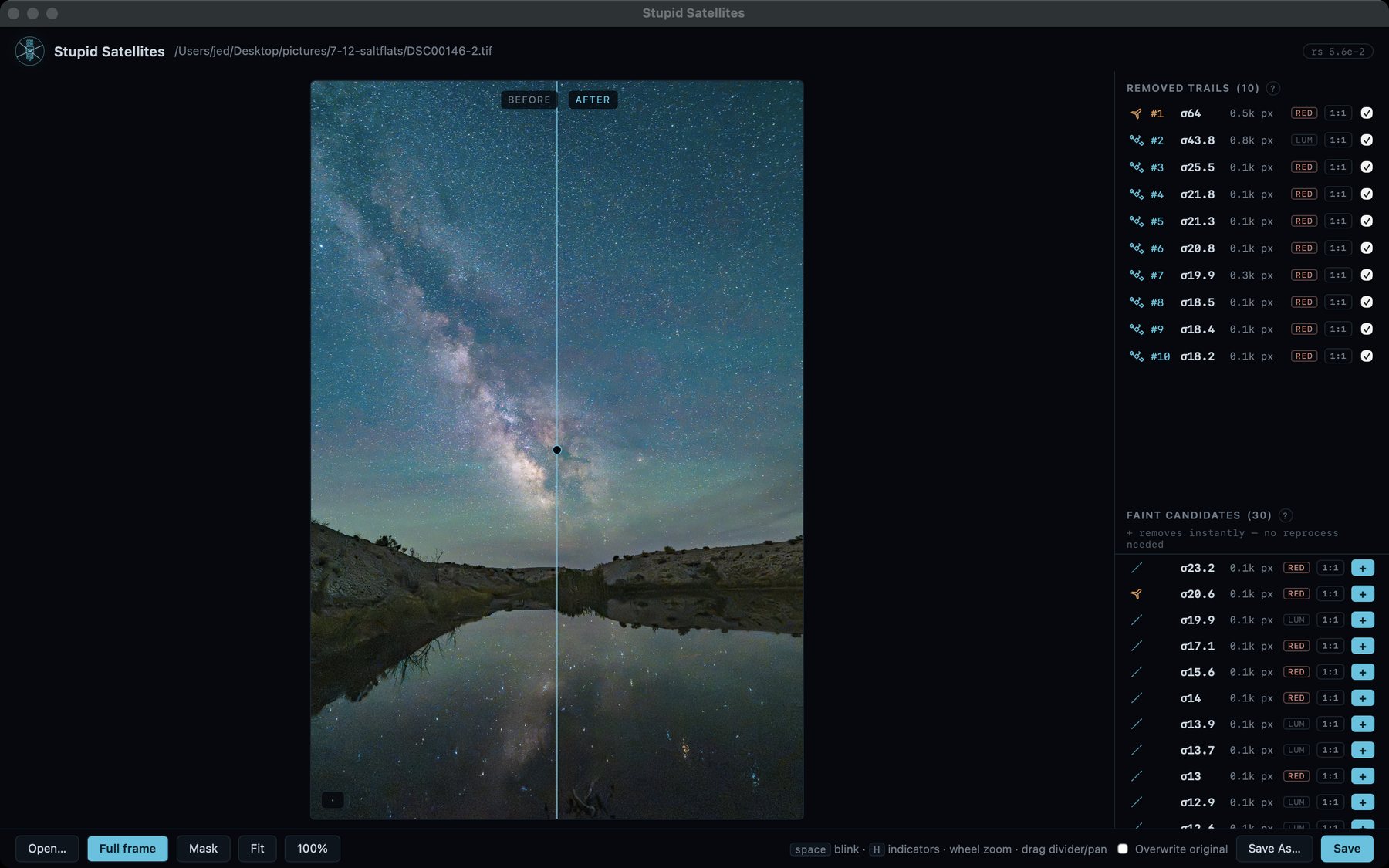
Ten trails in one exposure.
Every one of them reviewable.
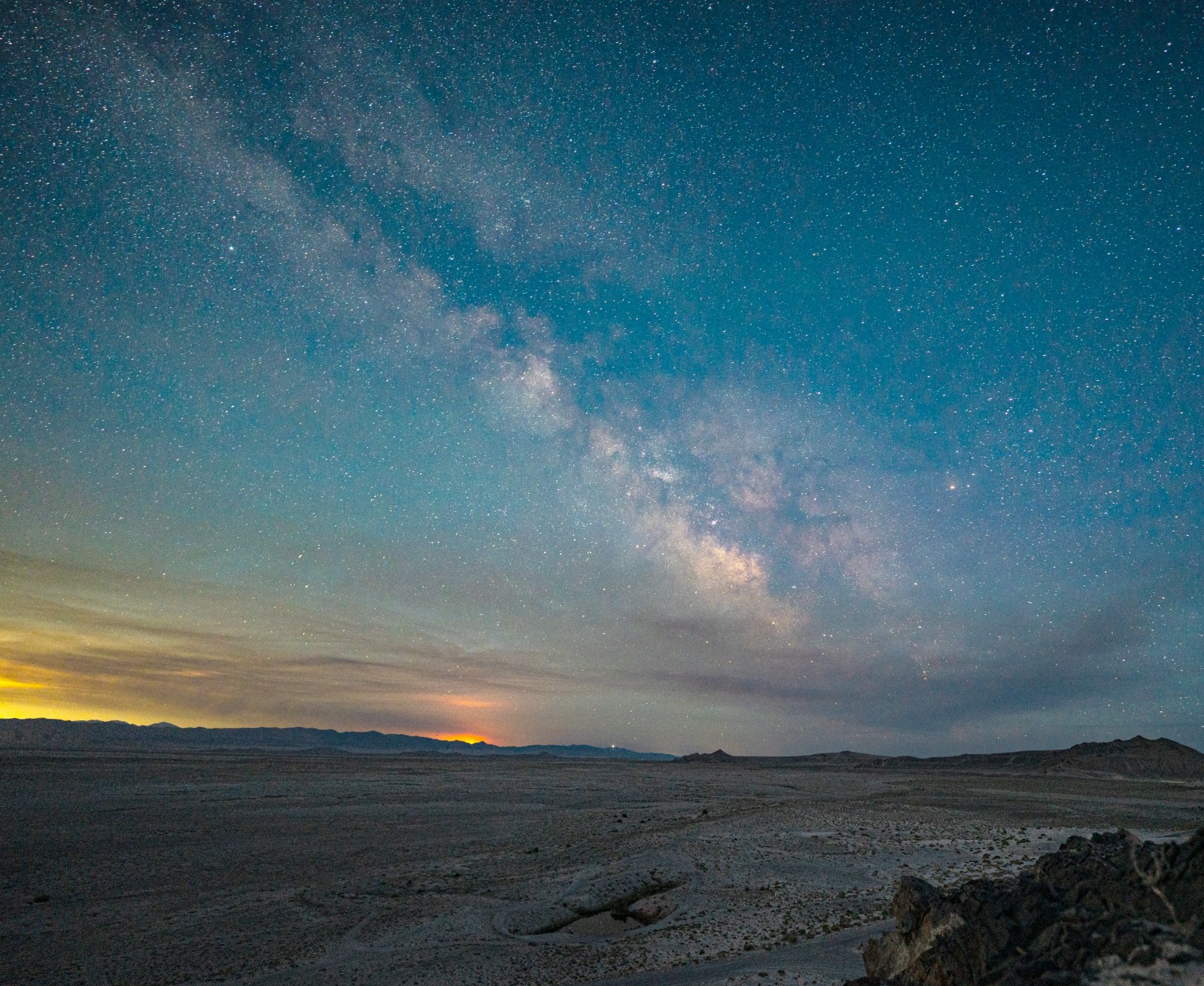
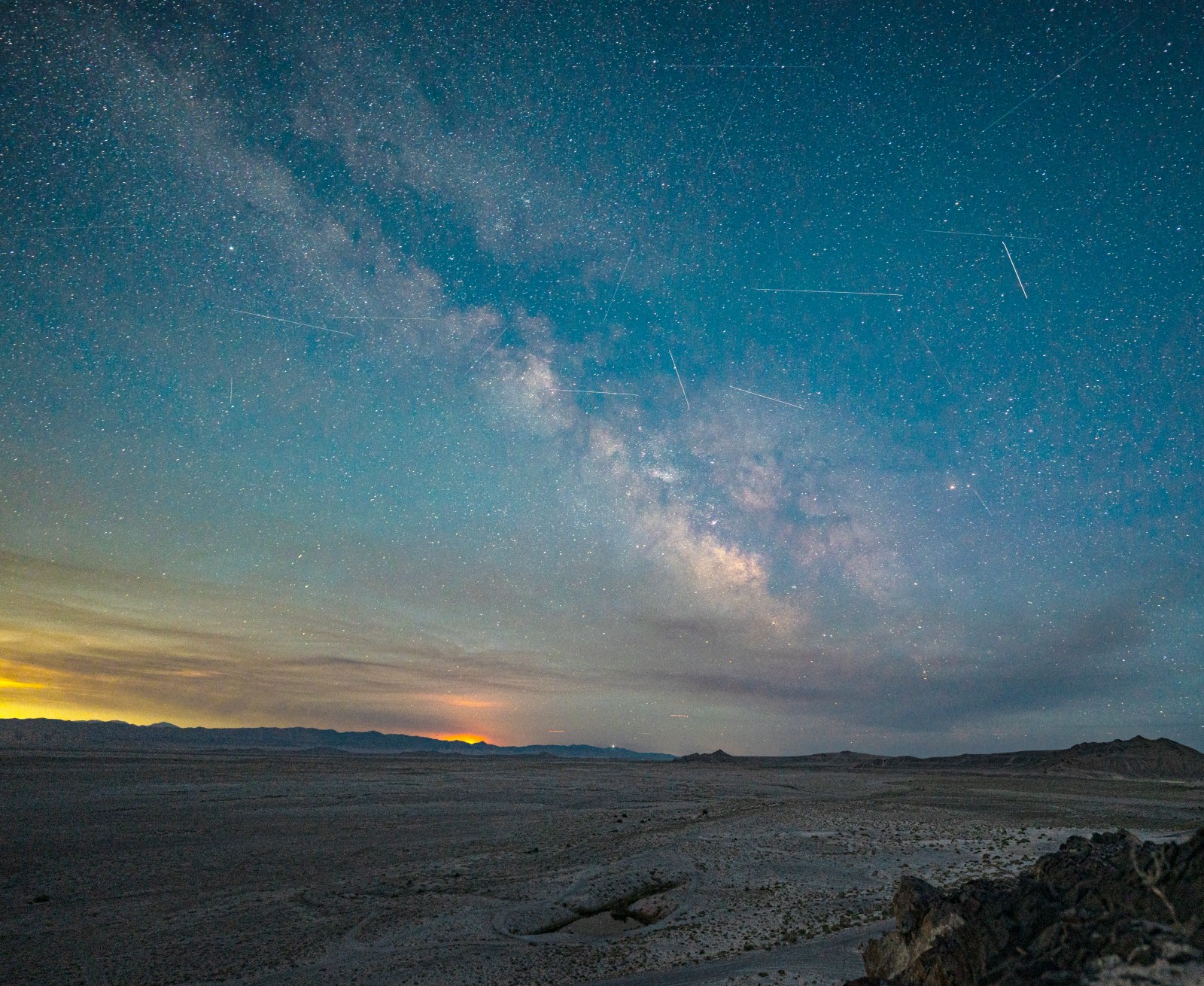
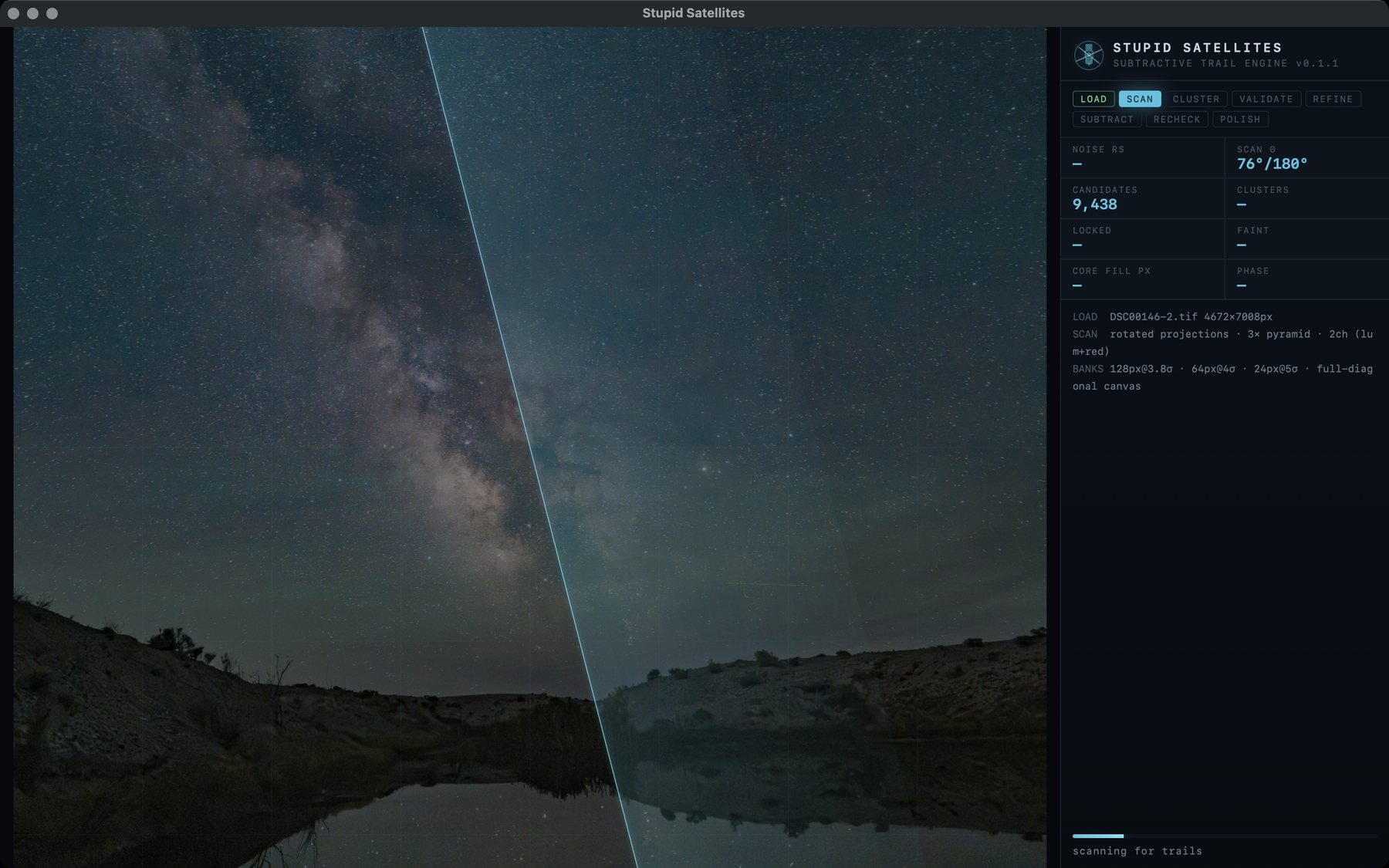
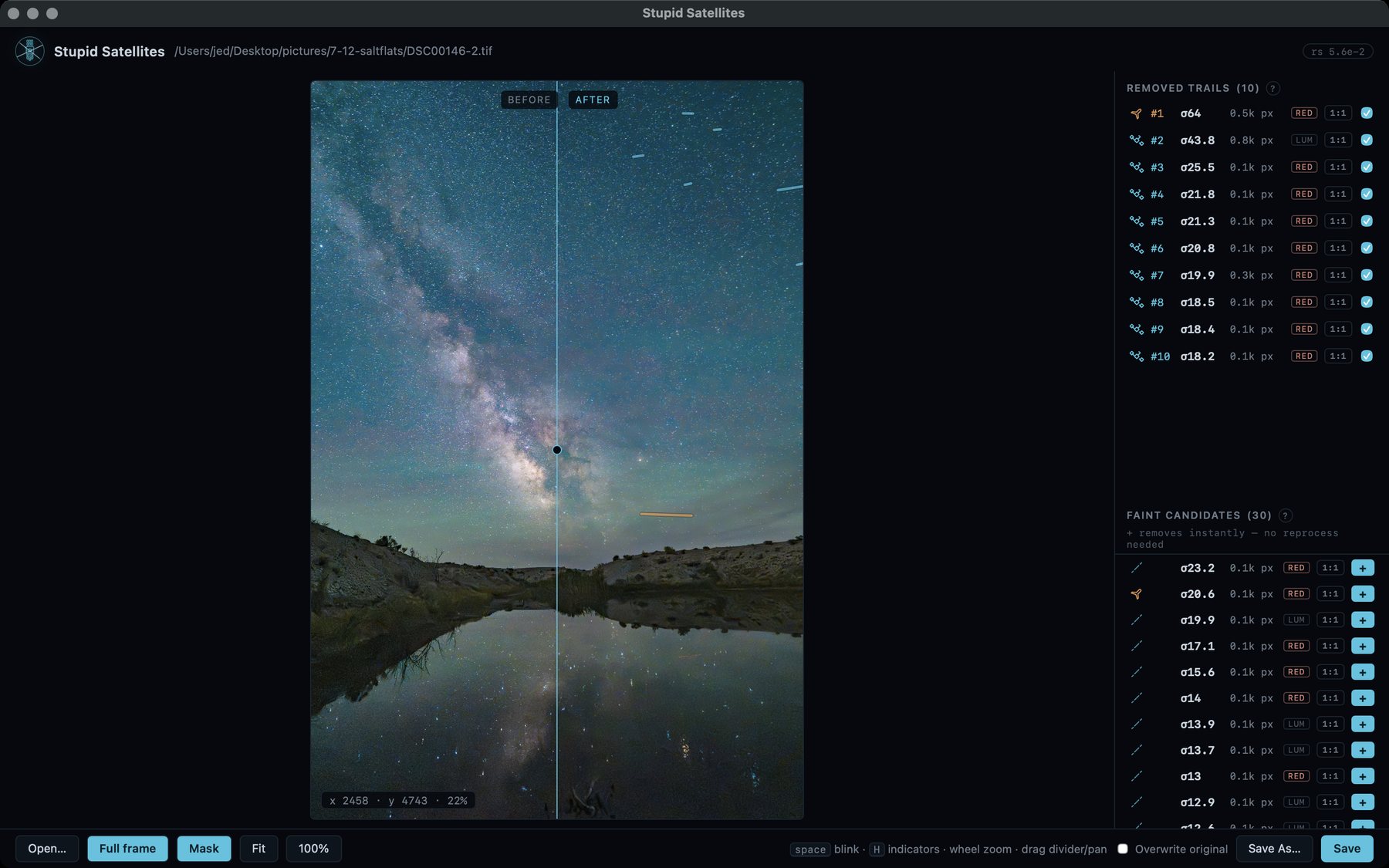
A real session on a real frame: one plane and nine satellites pulled out of a single salt-flats exposure. The list on the right is the detection log — each trail's σ score, its channel, and exactly how many pixels the repair touched. Untick a row and that trail comes back instantly. Below the removals: thirty faint candidates the engine deliberately leaves for a human call.
How it works
Detect · validate · subtract · keep the stars
For people who check their skies at 400%: the five stages of the engine, each illustrated with measured data — every curve, bar, and number below comes from running the real pipeline and its own statistics on the frame in the demo above. Nothing is a mock-up.
Scan — a trail is a ridge in angle-space
The frame is downsampled into a pyramid and rotation-scanned through 180°. At each angle the image is projected along that direction: stars average out, but a line stacks up coherently at exactly its own angle. This response curve is measured from the frame in the demo above — it locks onto the satellite at θ = 28.7°.
Validate — no absolute thresholds, ever
Everything is scored in units of the frame's own noise floor (rs, measured from sigma-clipped sky tiles), and every candidate must beat an empirical null. Here: the coherent mean elevation along the candidate's path, versus the same statistic on 200 random trail-free lines through the same frame. Single pixels lie; the coherent mean of 768 of them doesn't.
Model — starlight never enters the model
The corridor is resampled into ridge-following coordinates and the trail's brightness is modeled along its length with a star-masked sliding median — anything compact enough to be a star is masked out first. Compact knots that DO belong to the trail (plane strobes on a flash-timing lattice, tumbling-satellite beads in a dense collinear chain) must prove themselves against their own statistical nulls before they're allowed into the model. The amber curve is the light the engine attributed to this trail.
Subtract — pixel = sky + stars + trail. Remove one term.
The model is subtracted, never painted over. The trail collapses into the noise floor while star spikes ride through untouched — their light was never in the model. Only unrecoverable cores are filled, bootstrapped from real neighbouring sky samples (recorded and replayable). Measured on this stretch: +4.7rs mean → +1.0rs.
Verify — “looks clean” isn't a metric
Acceptance is distributional: the cleaned corridor's brightness distribution must be statistically indistinguishable from a control strip of untouched sky on the same frame. These are the two measured histograms. When they match, the trail isn't hidden — it's gone.
No AI. On purpose.
Math doesn't hallucinate.
Generative tools repaint your sky and hope you never zoom in. You always zoom in. The math above is the engine — no hidden model behind it, no training data, no cloud — and subtraction only goes one way: it can remove the trail's light. It cannot invent a star.
200 sky lines
A trail has to beat your frame's own sky — the one above clears 200 random trail-free lines at 6.8σ.
Deterministic
Same frame in, same bytes out, every run. There is nothing stochastic to seed.
Subtraction only
It can only take away light attributed to the trail — inventing a star is structurally impossible.
Why this one
Built for pixel-peepers
Stars on the trail are kept
Star-removal tools erase your stars along with the streak. Subtraction keeps them — reviewed at 1:1, not a downsampled preview.
Single frames welcome
No stack required. One exposure, one trail, one clean result — and batch mode when you have more.
Lightroom round-trip
Register it as an “Edit In” external editor. Send a 16-bit TIFF, clean it, save straight back into your catalog.
Private & lossless
Everything runs locally — zero network calls. 16-bit output with your EXIF and colour profile preserved; pixels outside the repair are byte-for-byte identical.